Over 10 years we helping companies reach their financial and branding goals. Onum is a values-driven SEO agency dedicated.

LATEST NEWS

Warning: Undefined array key "text_align" in /home/coztel/public_html/botdialer.ai/wp-content/themes/onum/inc/backend/elementor-widgets/heading.php on line 345
CONTACTS
click to call

Enable Customers to Reach you Instantly with Hassle-Free Click-to-Call

Say goodbye to the frustration of waiting or spending minutes on hold. With botdialer’s Instant Click-to-Call, you’ll be connected to our team in real-time, receiving the help you need exactly when you need it.


How It Works

Warning: Undefined array key "text_align" in /home/coztel/public_html/botdialer.ai/wp-content/themes/onum/inc/backend/elementor-widgets/heading.php on line 345
overview

What is a Click-to-Call
Dialer

A click-to-call is a browser-based extension, that converts phone numbers into clickable links for easy dialing.

This is commonly used on websites or within customer relationship management systems to facilitate quick and seamless communication between customers and businesses. By using click to call feature, users can start a voice call from their browser with only one click.

our Benefits

Experience Immediate Calls through
Click-to-Call Dialer

Instant Connectivity

Users can initiate calls with a single click, leading to immediate conversations and reducing call initiation time.

Ease of Use
Ease of Use

The user-friendly interface requires minimal technical know-how, making it accessible to a wide range of users.

Increase Sales Conversion

The convenience of immediate connection can lead to higher conversion rates during sales calls.

Real-time Support
Real-time Support

Customers can receive real-time assistance, making the resolution of urgent issues smoother.

how it works

How Click-to-Call
Works


Warning: Undefined array key "circle_width_height" in /home/coztel/public_html/botdialer.ai/wp-content/themes/onum/inc/backend/elementor-widgets/circle-process.php on line 428

Warning: Trying to access array offset on value of type null in /home/coztel/public_html/botdialer.ai/wp-content/themes/onum/inc/backend/elementor-widgets/circle-process.php on line 428
01
Install Click-to-Call Extension

First, install the click-to-call extension directly to your browser.

02
Add Links

Add links to listed contact numbers

03
Initiate Calls

Initiate a call by simply clicking on the call

01
Onsite Optimization

We help improve website content so visitors clearly understand how it relates to their search

02
Keyword Research

We select themed keywords based on user-intent to solidify rankings based on what users searches

03
Link Building

We help improve website content so visitors clearly understand how it relates to their search

features

Click-to-Call Features for
Effective Engagement

No Manual Dialing
No Manual Dialing

No need to type numbers manually. You can initiate a call just by clicking on this button.

Easy Configuration
Easy Configuration

Easily set up the click-to-call button. Choose a location to launch the dial pad and ignore numbers for specific sites.

Easy to Use
Easy to Use

By doing away with manual dialing, the click-to-call extension ensures client comfort.

Instant Calling
Instant Calling

Customers can connect with a representative at any moment by clicking the pop-up button.

Dial any number from the browser

You can click any number in the browser without restrictions. Make use of web traffic to reach people.

Save Time
Save Time

By using Instant Click-to-Call, you can bypass the traditional steps of searching for contact information, dialing, and waiting.

they say

What They Say
About Our Company?

bg-dots
bg-dots

Warning: Undefined array key "text_align" in /home/coztel/public_html/botdialer.ai/wp-content/themes/onum/inc/backend/elementor-widgets/heading.php on line 345
CRM INTEGRATIONS

Grow your Business
with Perfect Integration

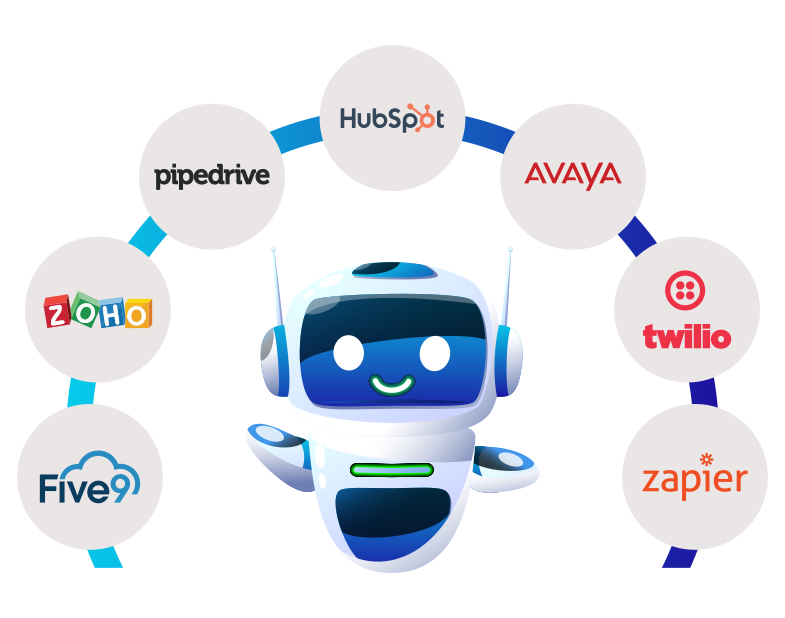
Botdialer easily integrate with your favorite CRM or existing software to provide exceptional voice experiences.


Warning: Undefined array key "text_align" in /home/coztel/public_html/botdialer.ai/wp-content/themes/onum/inc/backend/elementor-widgets/heading.php on line 345
faq

Frequently Asked
Questions

What is Click to Call?

Click to Call is a web-based extension that enables users to initiate phone calls by simply clicking on a link or button, streamlining the dialing process.

How does Click to Call work?

Click to Call converts phone numbers into clickable links. When users click the link, it triggers a call to the designated number, connecting them instantly.

Is Click to Call secure?

Click to Call uses standard call protocols, and its security depends on the underlying telephony system. It's important to use reputable services for enhanced security.

How does click-to-call save agent time?

By adopting a click-to-call solution, call center agents can save time by not having to dial out customer numbers repeatedly. Their operational productivity is increased by this.

What are the benefits of using Click to Call?

Click to Call offers benefits such as quick communication, improved customer experience, reduced dialing effort, and increased sales conversion rates.

How can Click to Call benefit businesses?

Click to Call enhances customer engagement, improves support responsiveness, and can lead to higher conversion rates, thereby positively impacting business growth.

Do users need to install anything to use click to call?

In most cases, users do not need to install anything. Click to Call works directly within their web browser.

Is Click to Call suitable for all types of businesses?

Yes, Click to Call can be beneficial for various industries including e-commerce, customer service, healthcare, and more. It enhances communication for any business with a phone-based interaction component.